Editing Workspace Content
Loading a Publication
Initially, no data is available in your Workspace. To add data to a Workspace click the button LOAD A PUBLICATION.
The Publication catalogue appears.
You can search the catalogue for Publications by title and associated tags.
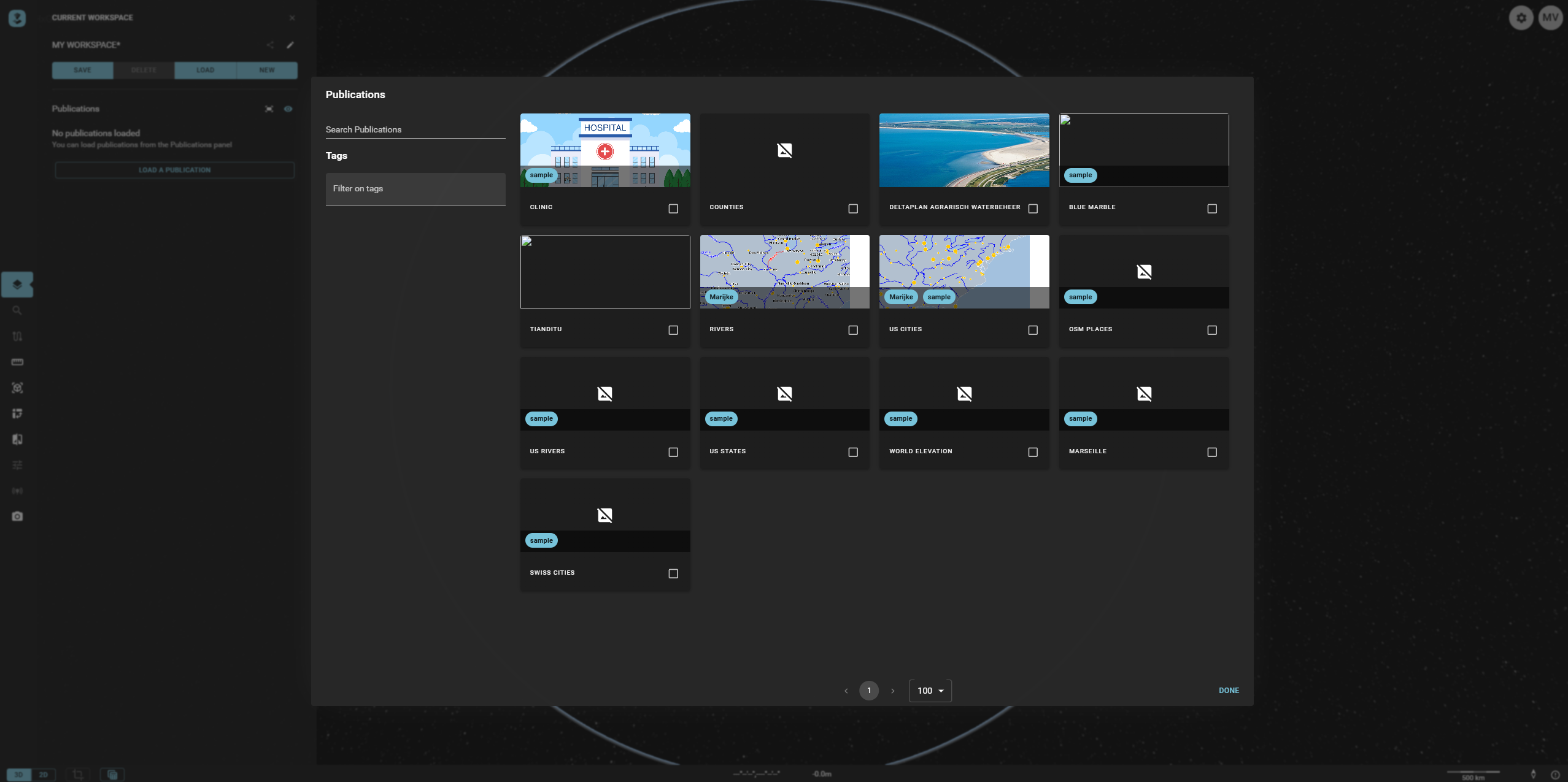
Once you've selected those you require — as indicated by a checkmark — choose Done.
The Publication will appear in the correct subfolder of the layer tree.
Removing a Publication
You can delete one — or all — loaded Publication(s) by pressing the x icon in the list of Publication(s).