Properties Panel
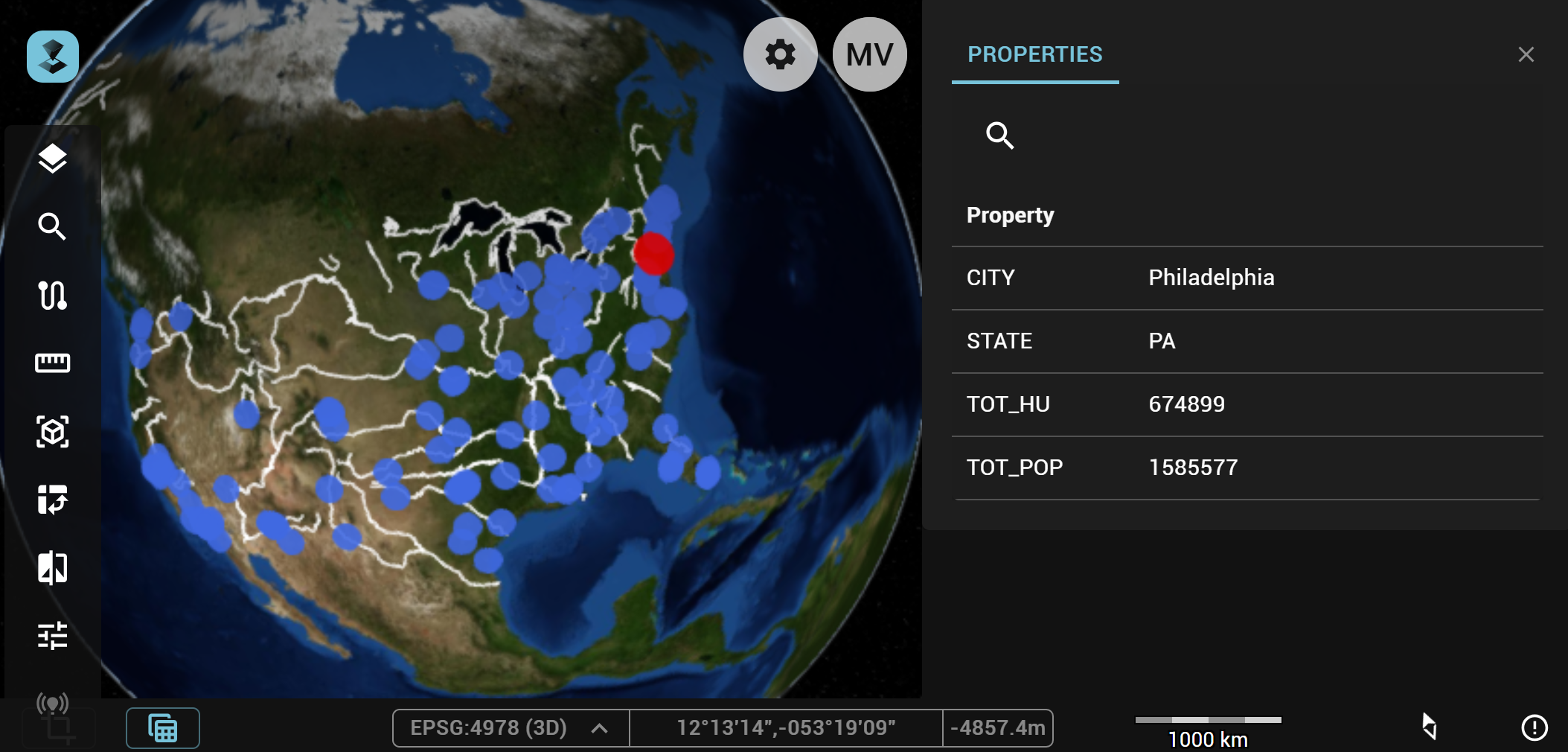
The properties panel shows the properties of an object selected on the map. Each time the selection on the map changes, the object properties panel will be updated to match the selection state on the map.
备注
Only a single object must be selected, otherwise no information will be shown in the panel.
Arrows next to all/each property allow you to expand or contract the available info.
Searching for a property
- Activate the search function: Click the magnifying glass icon to activate the search function. A textfield will open.
- Enter a query: Enter your search term in the textfield. This triggers a Contains search on both the property names and values.
- Clear the query: Click the x icon in the textfield to clear it.
- Disable the search function: Click the magnifying glass icon with an x mark, next to the textfield, to disable the search function.